I've used both Notion and Apple Notes extensively and I don't think either one is bad. But I kept switching between them, which probably tells you everything.
The case for Notion
Notion is powerful. Slash commands, tables, embeds, toggles, databases — you can build almost anything in it. If you're managing a team wiki or a product roadmap, it's hard to beat.
The problem is that power leaks into everything. You open Notion to write a quick note and suddenly you're thinking about which workspace it belongs in, whether it should be a page or a database entry, and what template to use. The formatting is great but it comes wrapped in a productivity system that wants your full attention.
It's also heavy. The current macOS desktop app is about 495MB installed, it needs an internet connection to work properly, and there's a noticeable lag between clicking the icon and actually being able to type. For a notes app, that friction adds up.
The case for Apple Notes
Apple Notes is the opposite. It opens instantly, it's already on your Mac, and there's zero setup. You type and it saves. That simplicity is genuinely underrated.
But it runs out of road quickly. No tables. No proper headings hierarchy. No slash commands. Limited formatting options. Once you have more than a dozen notes, organising them becomes tedious. It's simple in a way that eventually starts to feel limiting rather than freeing.
What I actually wanted
After going back and forth for a while, I realised the comparison was the wrong frame. I didn't want Notion or Apple Notes. I wanted:
- Slash commands and real formatting (headings, tables, checklists, quotes)
- Instant launch, no loading screens
- Local storage — notes on my machine, not in someone's cloud
- No account, no subscription, no onboarding asking what team I'm on
- Something that felt as light as Apple Notes but let me format like Notion
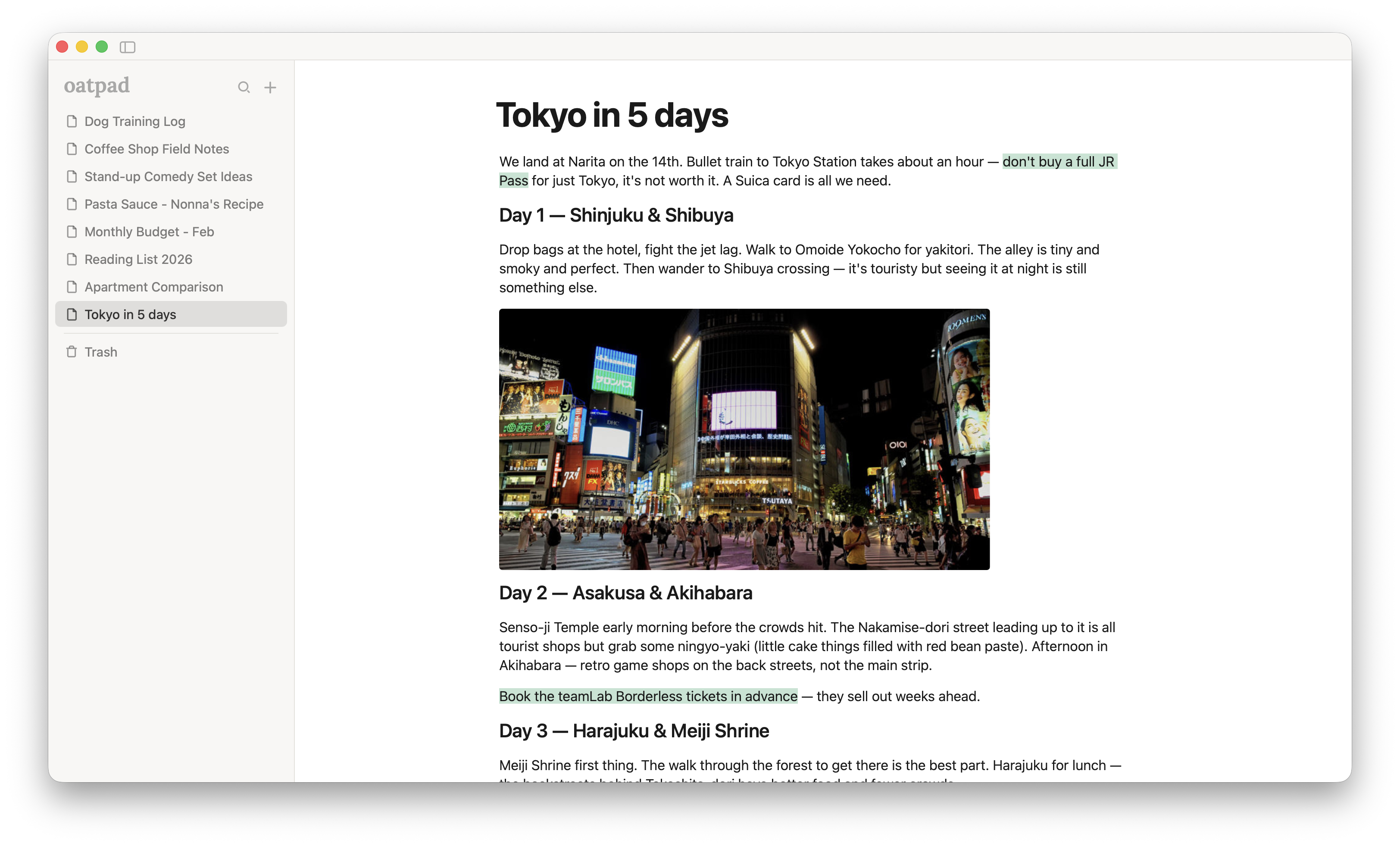
That's why I built Oatpad. It's a lightweight notes app for Mac — under 10MB, built with Tauri and Rust, everything stored locally. You open it, type /, and format as you go. No databases, no workspaces, no AI. Just writing.
It's not trying to replace Notion for team collaboration or project management. And it's not trying to be as bare as Apple Notes. It sits in the gap between them — for people who just want to write with decent formatting and nothing else competing for their attention.
If that sounds like what you've been looking for, give it a try. It's free for early users.