I didn’t build Oatpad because I thought the world needed another notes app.
I built it because I kept opening my notes app to write, then getting distracted by the app itself.
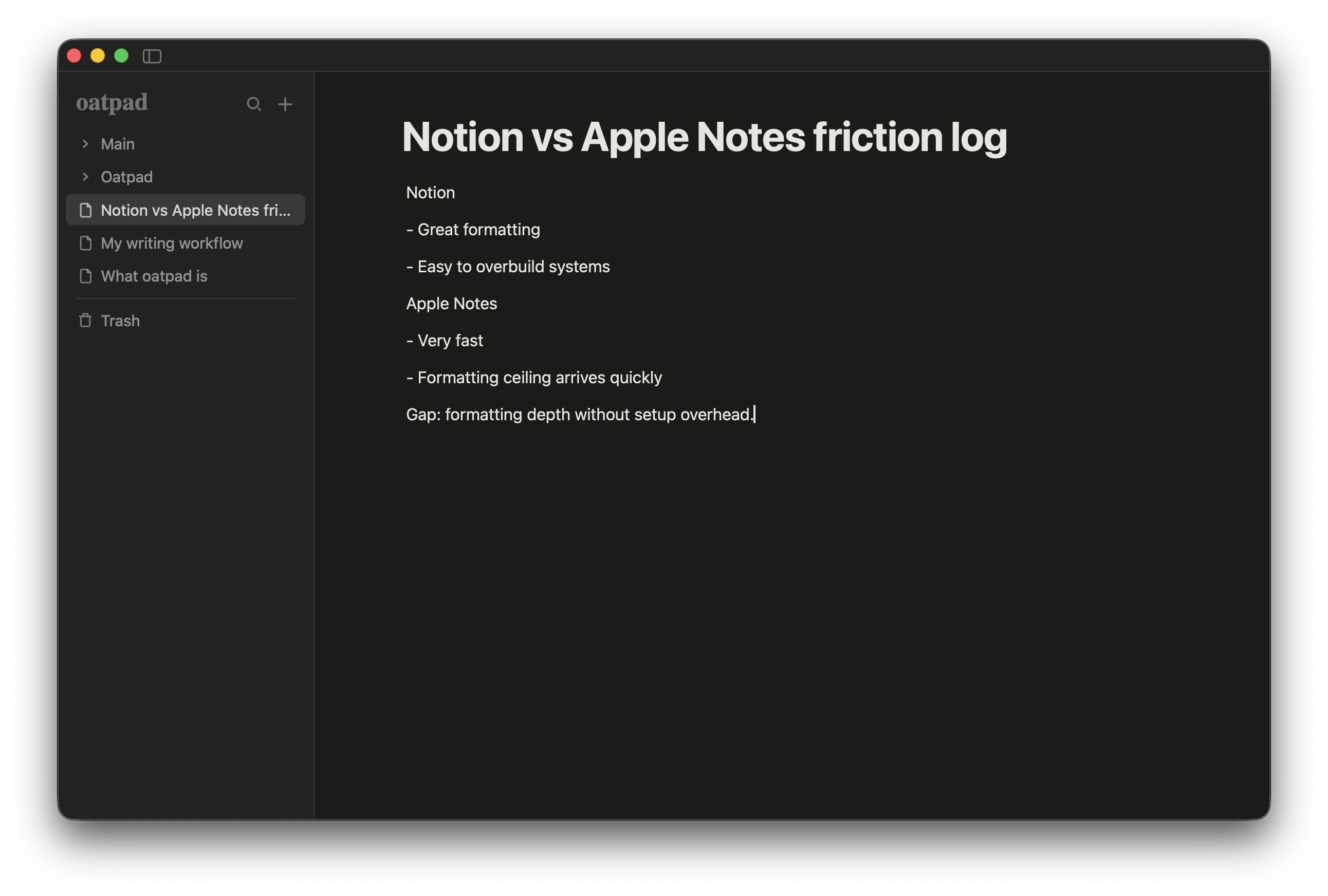
I’d bounce between Notion and Apple Notes. Notion gave me the formatting I wanted, but I’d lose time setting up pages, tweaking layouts, and deciding how “structured” each note should be. Apple Notes was refreshingly simple, but too limited once I wanted cleaner structure than plain text blobs.
That gap kept annoying me.
the gap I couldn’t ignore
Notion is brilliant for teams, docs, and systems. I still think it’s one of the best tools for that job.
But for personal notes, it can feel like you’re booting into a whole operating system just to write down one thought.
Apple Notes is the opposite: it’s immediate, already there, and low-friction. But once I wanted better keyboard formatting and slightly more control, I’d hit the ceiling quickly.
I didn’t want “more power.” I wanted less friction.
what I actually wanted from a notes app
My own checklist ended up simple:
- Opens fast
- Feels calm
- Keyboard-first formatting
- Local-only storage
- No account setup
- No cloud dependency
- No monthly subscription
That’s basically Oatpad.
The positioning that kept proving true for me was: Notion formatting + Apple Notes simplicity.
why local-only mattered more than expected
I wanted my notes on my machine, full stop.
Not because I’m anti-cloud for everything. I’m not.
But for notes, local-only gives a different feeling:
- no “where are my notes actually stored?” anxiety
- no account lockout edge cases
- no server outage between thought and capture
- no weird tension about personal notes and platform incentives
For me, notes are where rough ideas start. I wanted that space to feel private, quiet, and dependable.
under 10MB wasn’t a vanity metric
I built Oatpad with Tauri (Rust backend + web frontend). The practical result is a tiny app footprint and fast startup.
That wasn’t a tech flex. It was product philosophy.
I wanted the app to respect the machine it runs on and not feel heavier than the notes themselves.
When a notes app feels sluggish, you feel it every single time you try to capture a thought.
what I deliberately didn’t build
I skipped a bunch of “expected” features on purpose.
No AI writing layer. No cloud sync account flow. No collaboration suite pretending to be a note app.
I use AI constantly for other work, but for this specific context, I wanted less mediation between me and the page.
Could that change in future? Maybe, in very constrained ways.
But the default stance is simple: if a feature adds friction or noise, it doesn’t ship.
what users asked for (and why that’s useful)
Early feedback has been genuinely useful, especially from Reddit.
People called out things like quick capture hotkeys, bigger-note navigation for 20+ notes, and font customisation. Some of that is now in planning and some is already moving.
That’s exactly the kind of feedback loop I want: practical requests from real usage, not feature theatre.
the app vibe is intentional
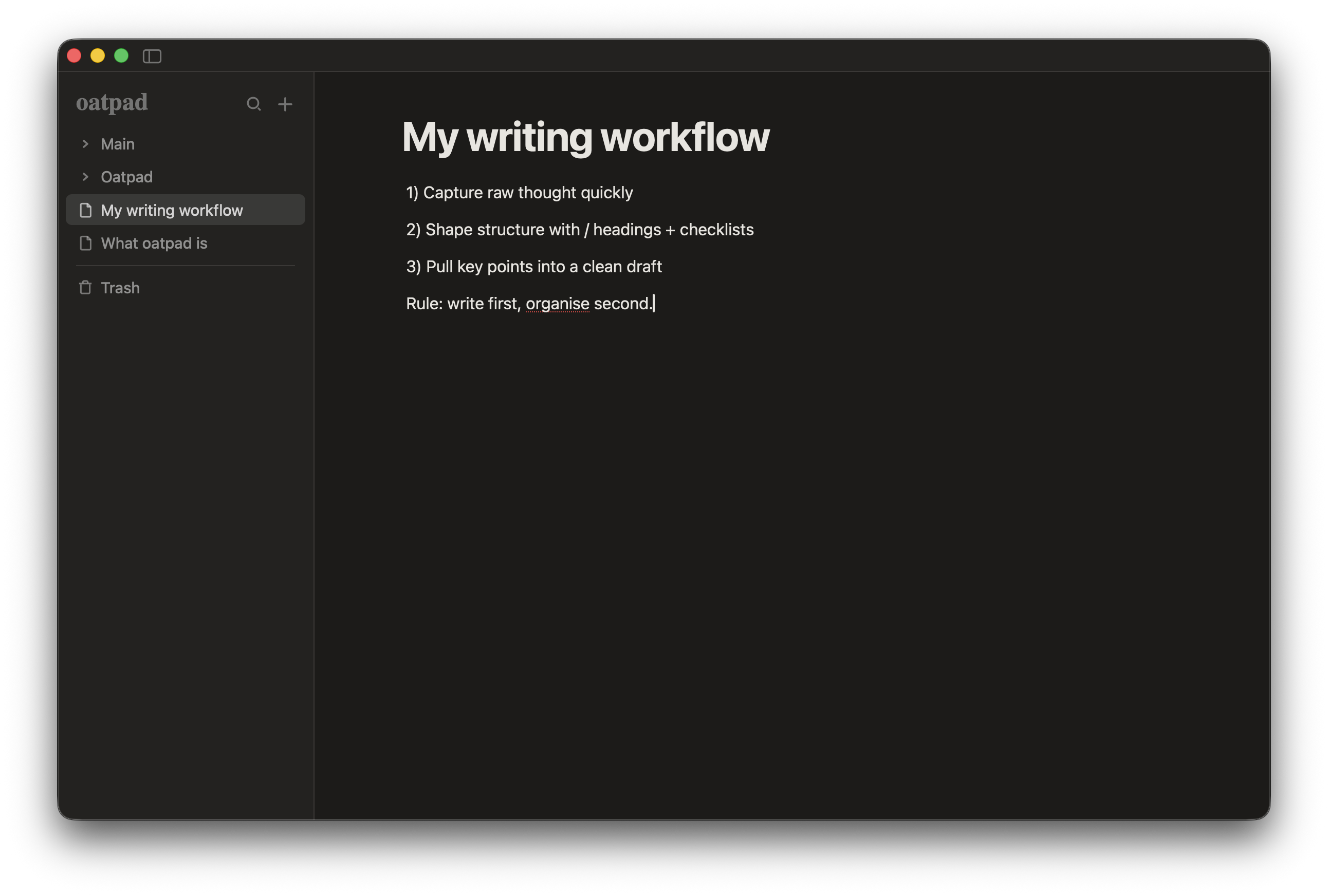
I think of Oatpad as a calm writing surface, not a productivity performance tool.
That affects everything:
- visual tone
- default layouts
- fewer moving parts
- one clear job: help you write and organise thoughts with just enough structure
If the interface is competing with your attention, it’s failing.
if this sounds like your problem too
If you’ve ever felt stuck between Notion being too much and Apple Notes being not quite enough, that’s exactly the gap Oatpad is for.
I’m still actively shaping it in public based on real usage and feedback.