I've been bouncing between Notion and Apple Notes for a while now and never fully landed on either.
Notion has great formatting — slash commands, tables, embeds — but I'd spend more time setting up databases and tweaking page layouts than actually writing. Apple Notes is simple enough that it gets out of your way, but it always felt just a little too limiting. I wanted the formatting without the productivity system overhead.
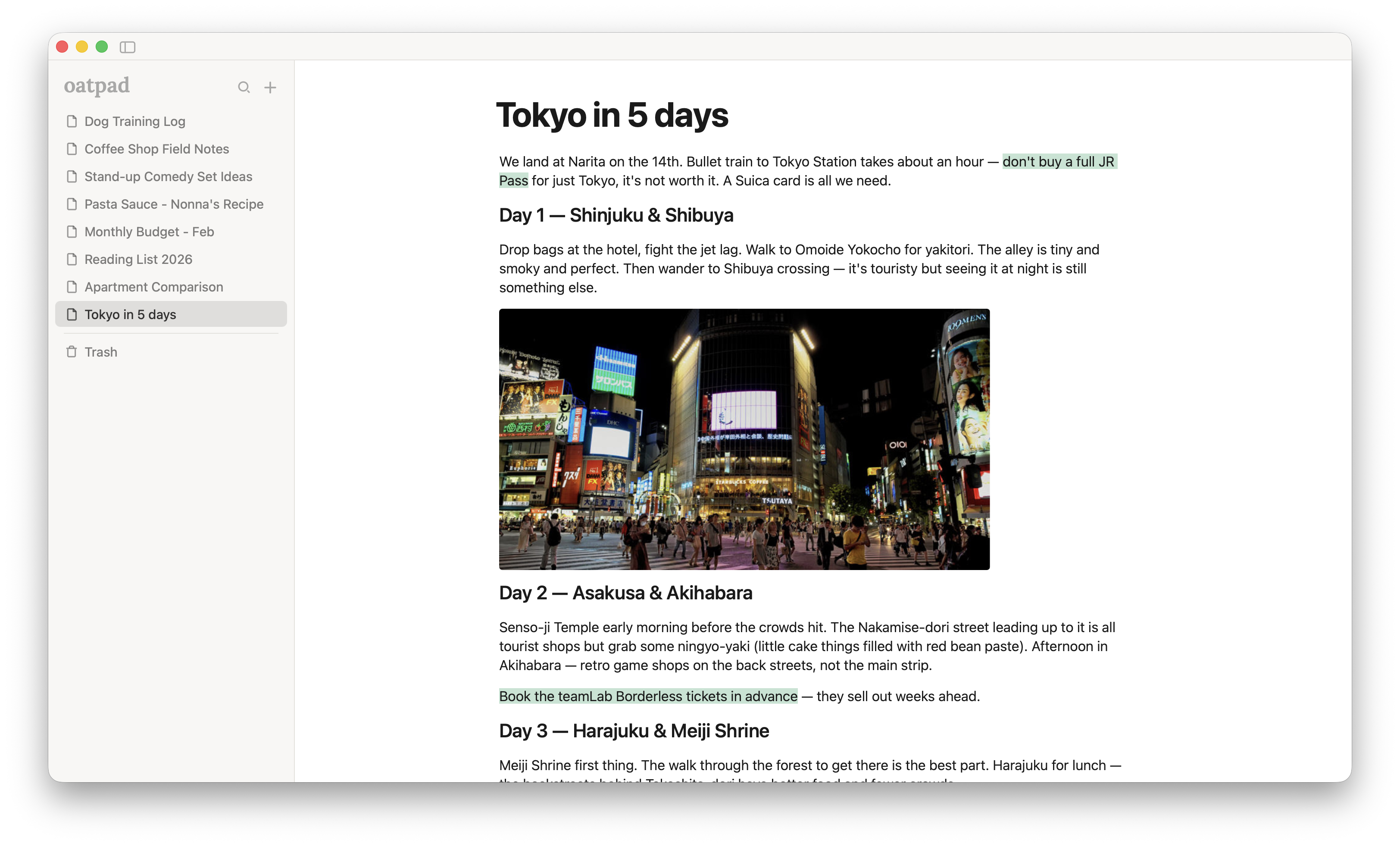
So I built Oatpad. The best way I can describe it is a lovechild of Notion and Apple Notes with no strings attached.
It's a lightweight notes app for Mac. Local-only, no account, no cloud sync, no AI. You open it and write. Type / for formatting — headings, tables, checklists, quotes — and that's about it. No workspace setup, no templates, no onboarding flow asking what team you're on.
I built it with Tauri (Rust on the backend, web frontend), which keeps the whole thing under 10MB. For reference, Notion's current macOS app is about 495MB installed. Oatpad launches instantly and feels native — no Electron sluggishness.
As much as I love using AI for pretty much everything else in my life, I felt I was best served without it here. At least for now. I just wanted a place to write without anything competing for my attention.
It's free right now for early users, then $9.99 one-time after that. No subscription.
I'm still actively building on it and genuinely want to know what people think — what feels right, what feels missing. If you've been looking for something in this space, I'd love to hear from you.